The Gauntlet Loop is a method for keeping an agent working until its output holds up against a real reference. It has four parts:
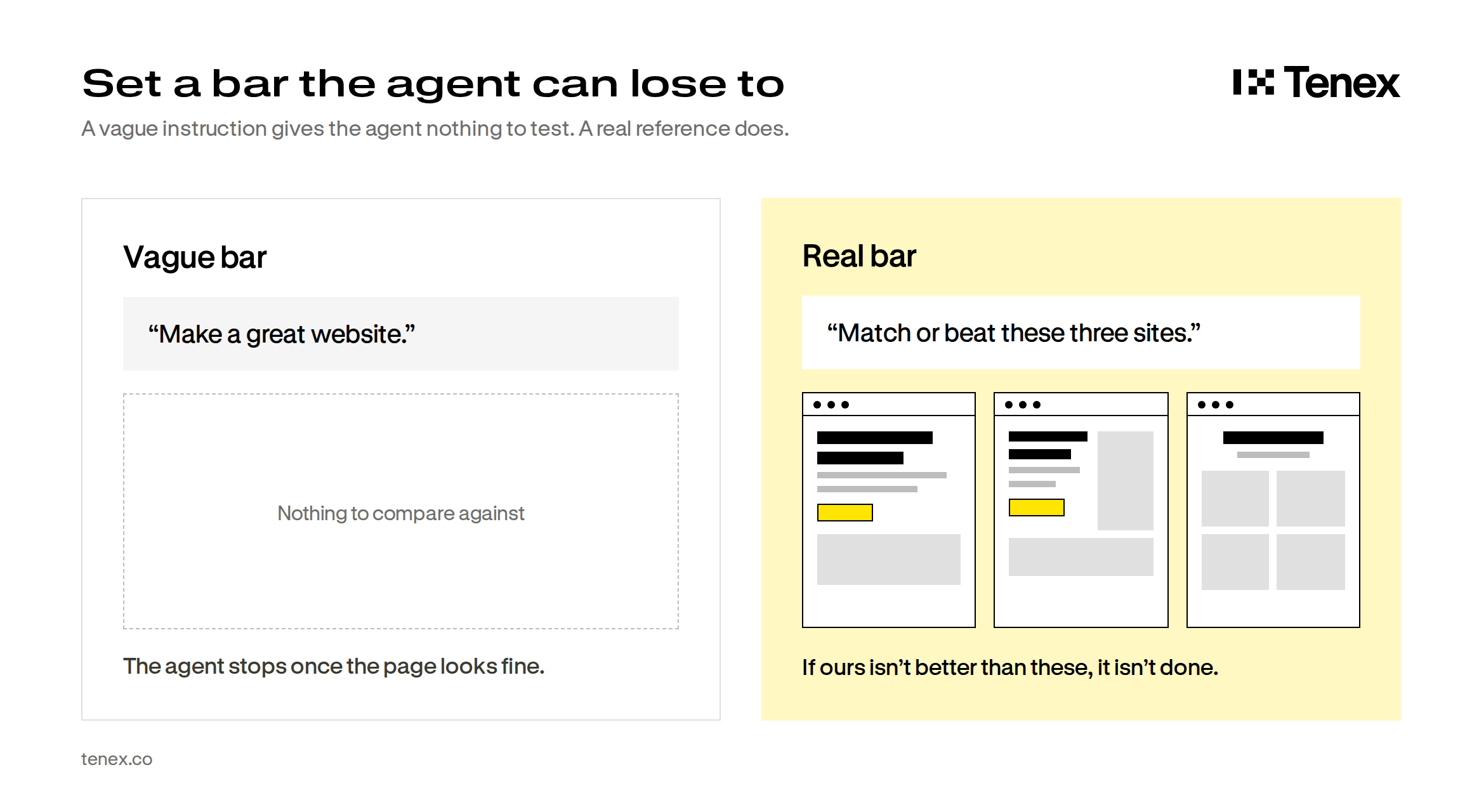
- You give the agent an existing piece of work you know is good, which becomes the standard it has to beat.
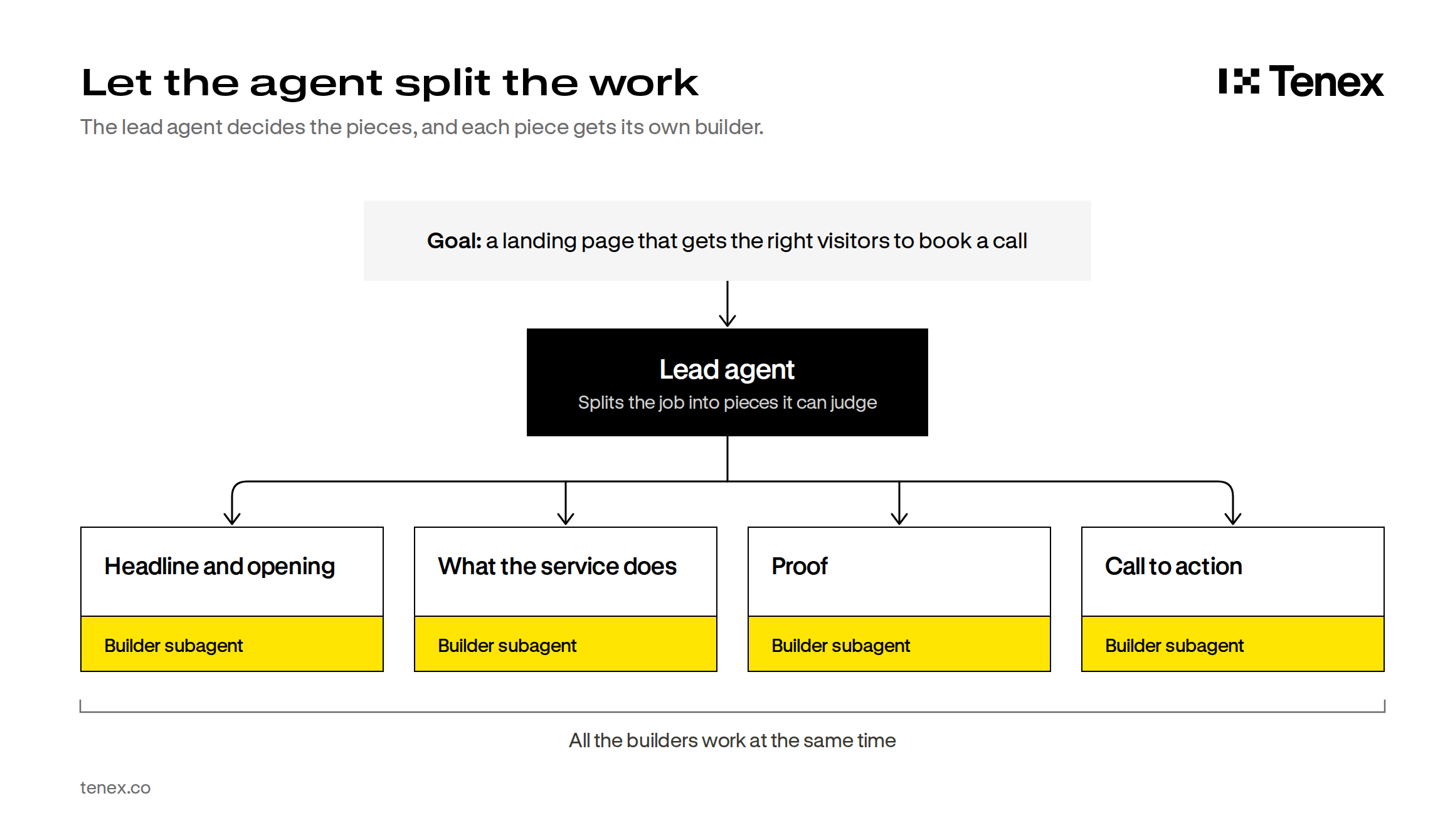
- The agent breaks the job into small pieces that can each be checked on their own.
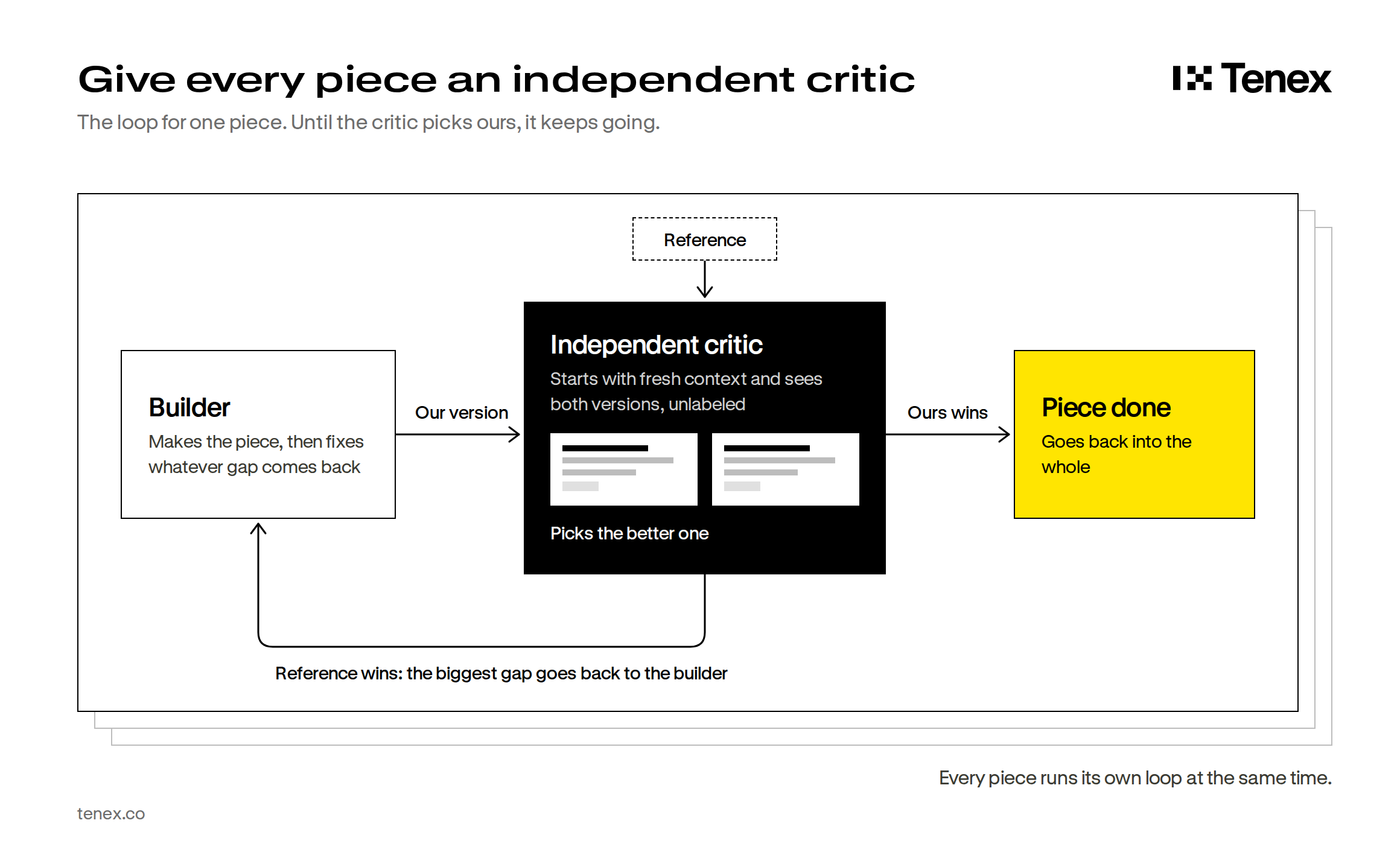
- A critic that works independently of the agent compares each piece against the reference.
- Any piece that falls short goes back to be redone, and the loop continues until the piece beats the reference or you decide another round isn’t worth it.
Matt Shumer used this method to build a Call of Duty-style shooter from a three-paragraph prompt. The demo crossed 20 million views on X, and plenty of people assumed it was fake. It wasn’t. He published the prompt and the code, and people who ran it to prove him wrong ended up with working games of their own.
The game is the flashy example, but the loop behind it is the part you can use. Shumer walks us through it on Tenex’s Talk Nerdy, and this guide turns that conversation into steps you can run on your own work: websites, writing, copy and more.
Why agents settle for “good enough”
When you ask an agent to build something, it builds it and then stops, and with visual work in particular it has no reason to keep going once the result looks reasonable.
Telling the agent to keep going doesn’t solve this on its own, because there is a second problem: agents judge their own work, and they judge it generously. Shumer compares this to letting a student grade their own exam, which ends with the student giving themselves a 100.
The Gauntlet Loop gives the agent two things it won’t supply for itself: a standard that comes from outside the work, and a judge that didn’t do the work.
What to know before you start
Use an agent, not a chat window. The loop needs a tool that can write and run code, render what it made, look at screenshots and start other agents, and both Claude Code and Codex can do this. In a regular chat window you would have to act as the critic and run every round by hand. If you’re new to Claude Code, start with our Claude Code 101.
Turn the effort up. Long runs with many agents do better at a high effort level. Claude Code also has a separate setting called ultracode, which has Claude plan a multi-agent workflow for big tasks. Type /effort ultracode to turn it on.
Decide what the result is worth. These runs are expensive, so Shumer watches his usage limits and decides how far to take a run based on what the result is worth to him. He often won’t run a small demo to the max, but for work where getting it right is worth a couple hundred dollars, he might use his entire subscription. For work that’s genuinely useful, he thinks a $200 run is probably worth it.
Pick work you can compare. Visual work is the easiest fit, but anything with a clear reference can go through the loop, including a web page, a piece of writing or code with tests.
Work through each action, then mark the step complete.